


Today we’ll learn how to change the user logged into Subversive, the Eclipse IDE plugin. Well, this guide can also be useful if you’ve changed or lost your username and/or password and can’t authenticate with the SVN Server. Unfortunately this plugin doesn’t provide a graphical interface so you can simply log off and log in again.
However, we can do this very simply. Anyway, enough rambling, let’s get straight to what matters.
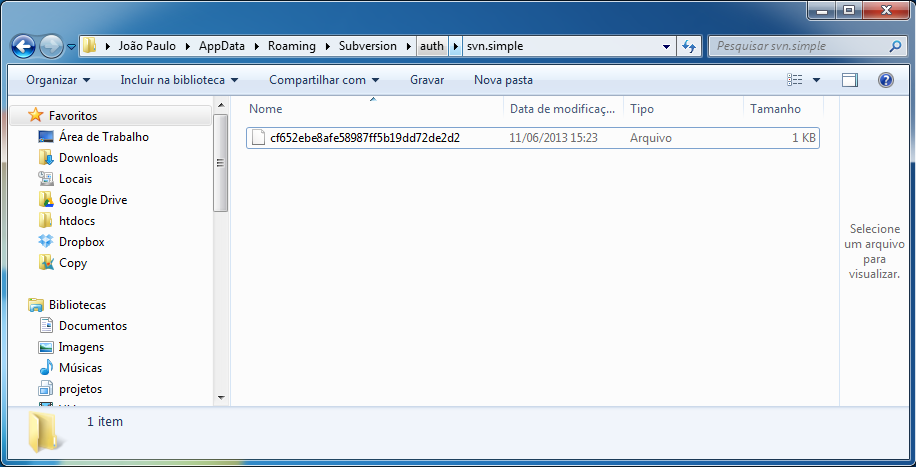
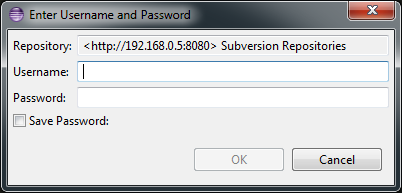
When we logged in and checked the option to save the password, Subversive created an encrypted file containing your access details, which cannot be edited. So, to change your username and password, just delete this file, and when you perform an action in Subversive, a window will appear again where you’ll enter your username and password.
The file you need to delete is in the following directory: %APPDATA%\Subversion\auth\svn.simple