




Hello person(s), today I’ll present a step-by-step guide to installing PHPUnit on Uncle Bil Gates’ famous operating system, Microsoft Windows 7 (Seven), before continuing with the tutorial I wanted to talk a little about unit tests and test-driven development (the famous TDD – Test Driven Development).
So, what is TDD?
TDD is a method for building software, not just testing it. Through the “Red”, “Green”, “Refactoring” process, you notice that the code becomes clean, organized and best of all, working!
| |
Now open a text editor and type the following source code:
| |
Save the file as: HelloWorldTest.php
I saved the file in the directory: C:\teste
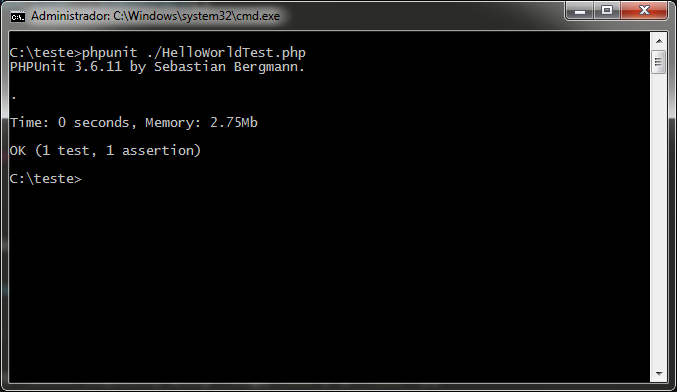
Now everything is working! Be a new developer from today onward and use unit tests, if you have questions, leave us a comment.